Product
Run the work.
Pipeline, estimates, proposals, jobs, a field app for crews, and purchasing, all in one place and connected to QuickBooks Online. Every step feeds the next, so the job budget, WIP and cash forecast are right without re-keying.
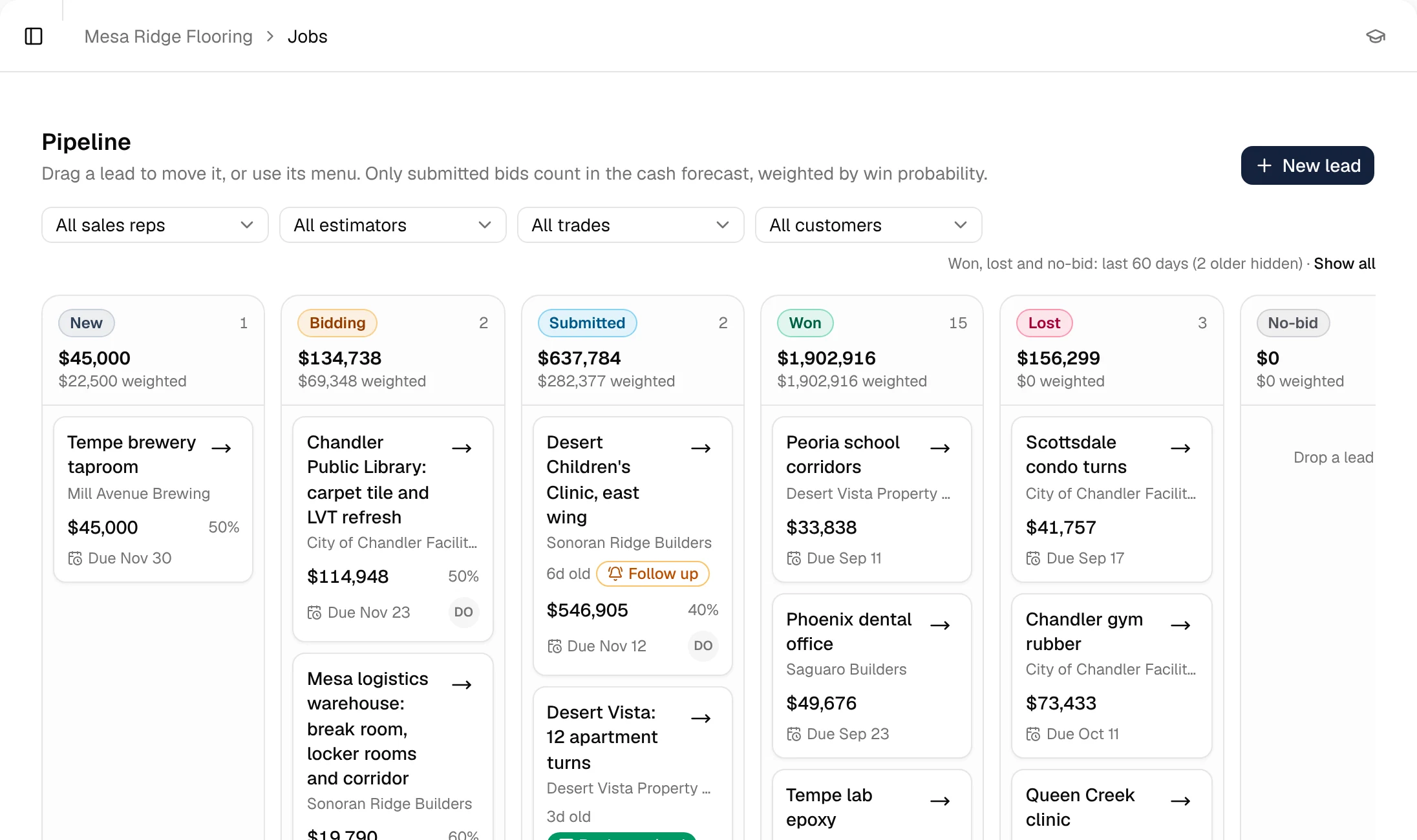
Pipeline
Every bid invite in one place.
Track bids from invite to award with due dates, GCs and values. See what's out, what's due this week, and what you've won.
- Bids by stage
- Due dates and GC contacts
- Win/loss by GC
Estimating & price book
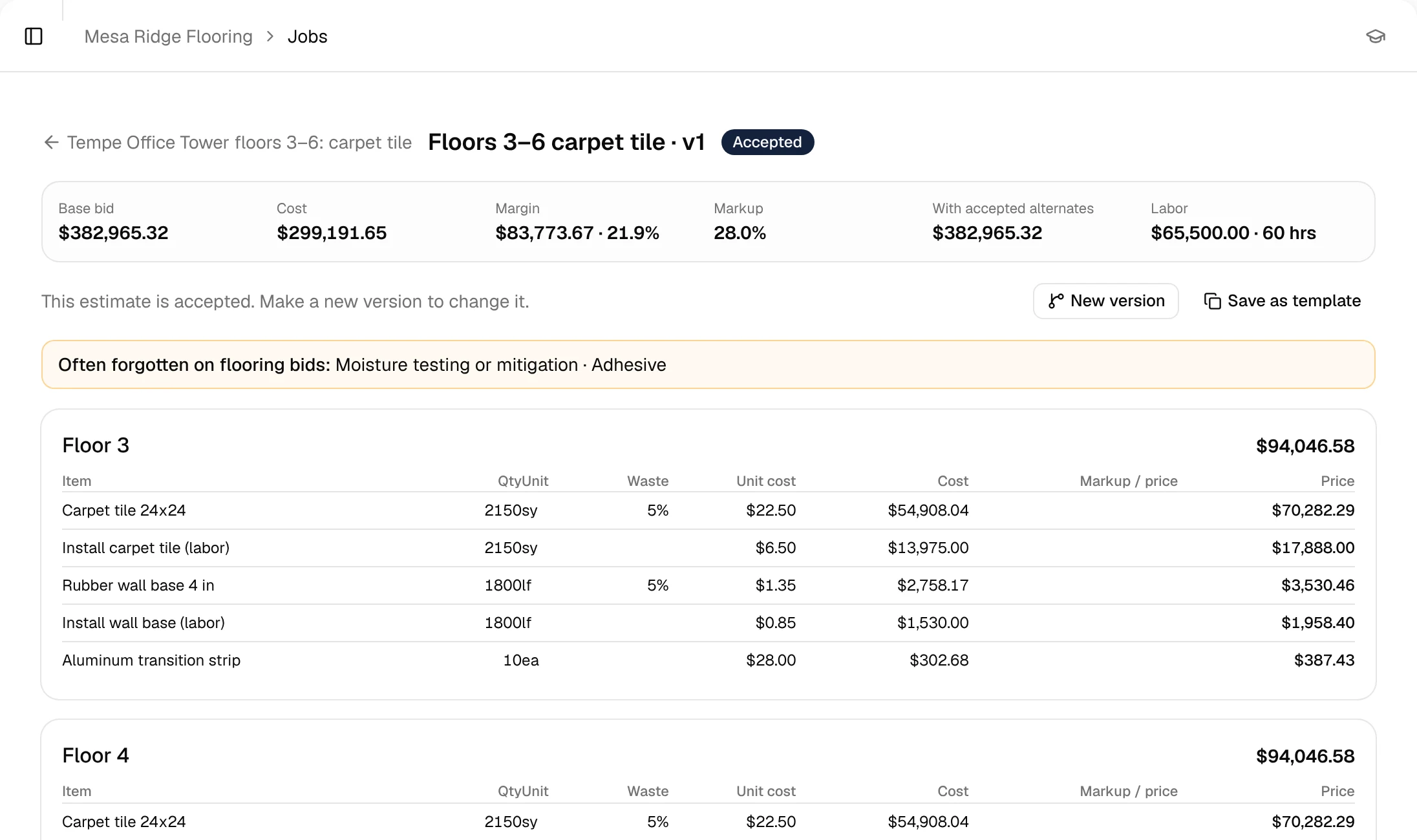
Estimates from your own prices.
Build estimates from a price book of your materials and labor rates, by the unit your trade uses. Material and labor stay separate so the budget is useful later.
- Price book with material and labor rates
- Units for your trade (sf, lf, cy, sq, each)
- Markup and margin at a glance
Proposals
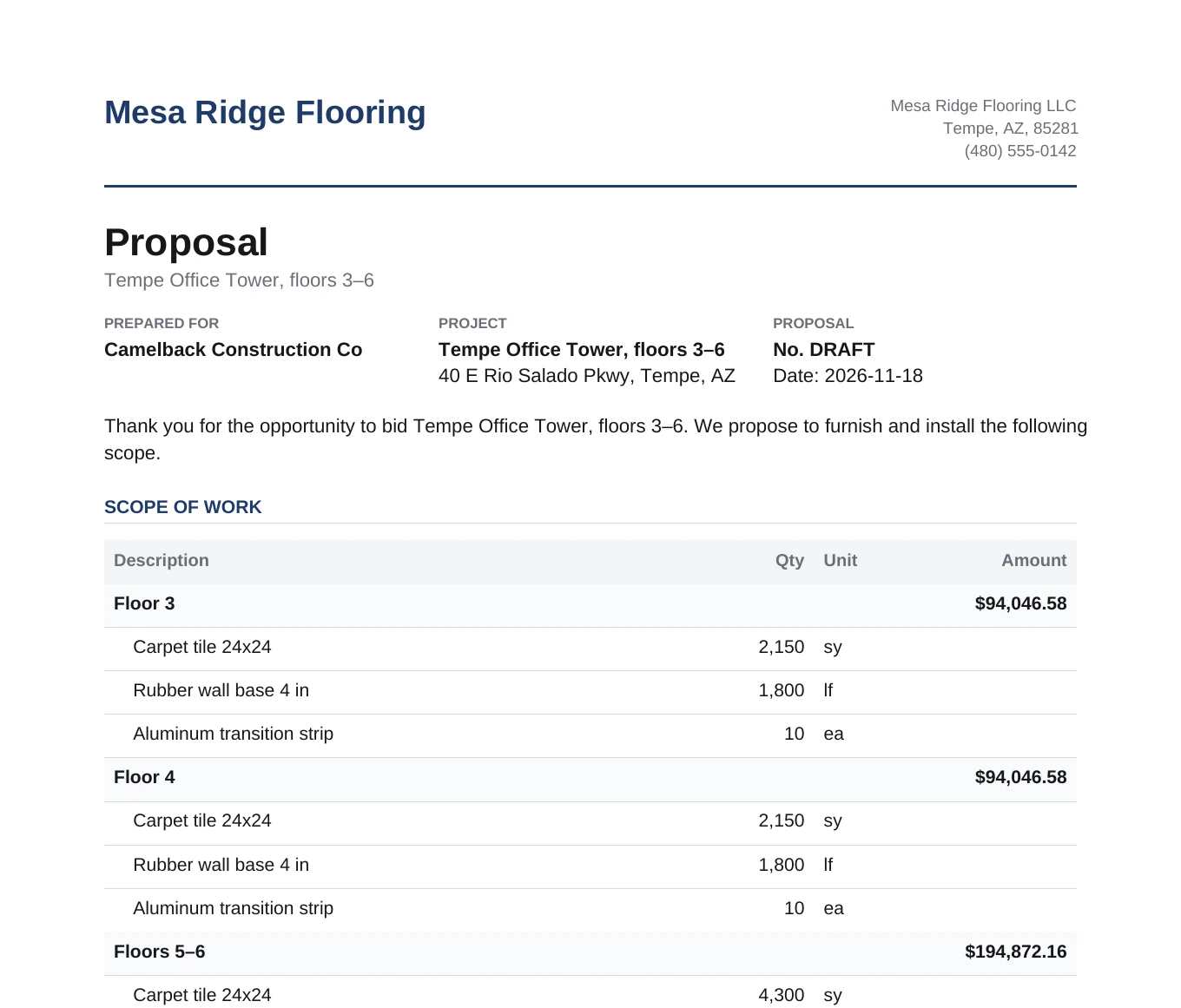
Branded proposals in a few clicks.
The proposal comes from the estimate, with your scope, exclusions and terms. Mark it won and it becomes a job.
- Your logo, scope, exclusions and terms
- Sent and won status
- Won proposal becomes the job
Jobs
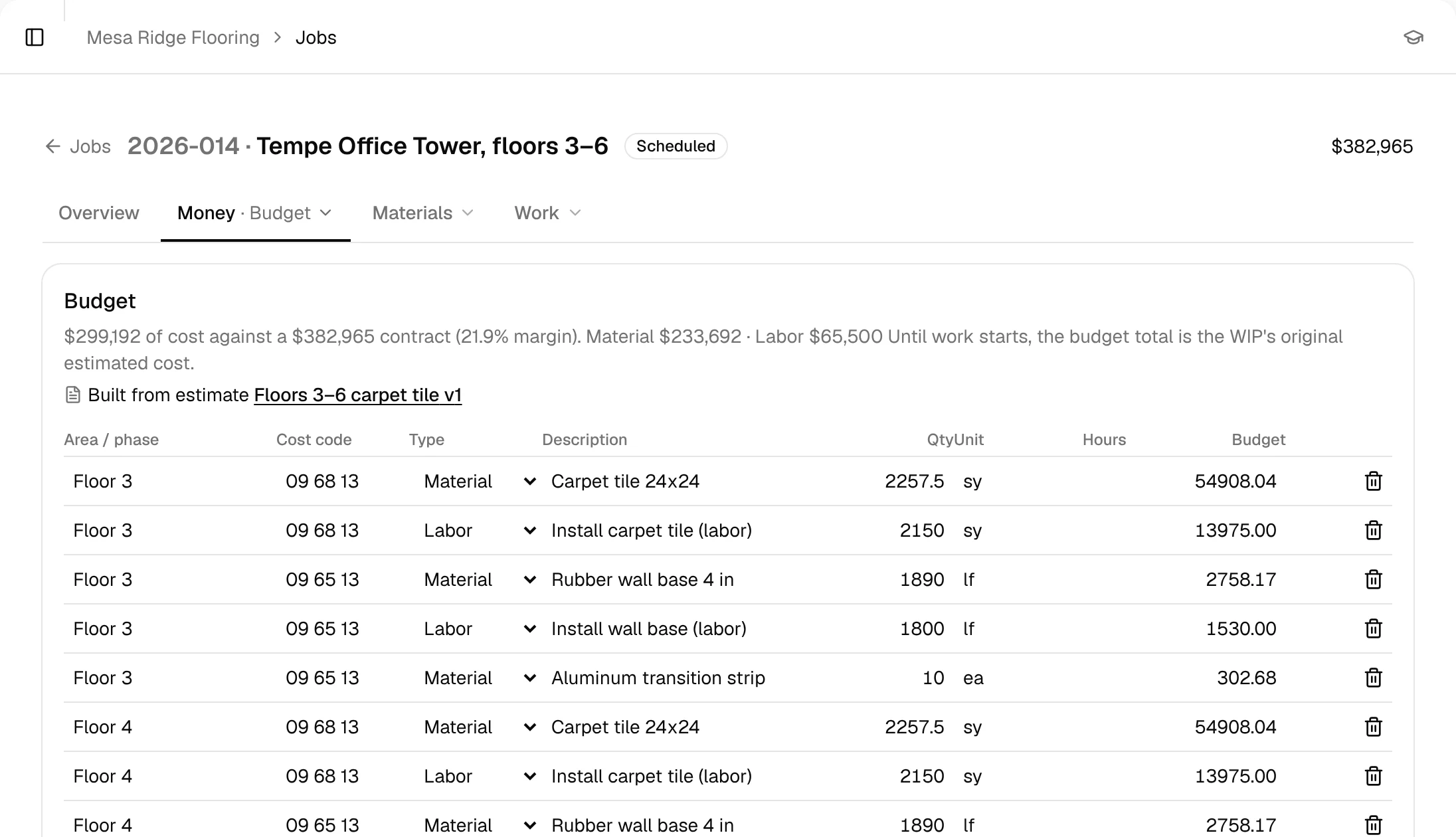
The estimate becomes the job budget.
Every estimate line becomes a budget line. Costs from POs, QuickBooks bills and field progress land against it, so you see where each job stands.
- Budget vs. cost by line
- Change orders on the job
- Margin as the job runs
Field mobile app
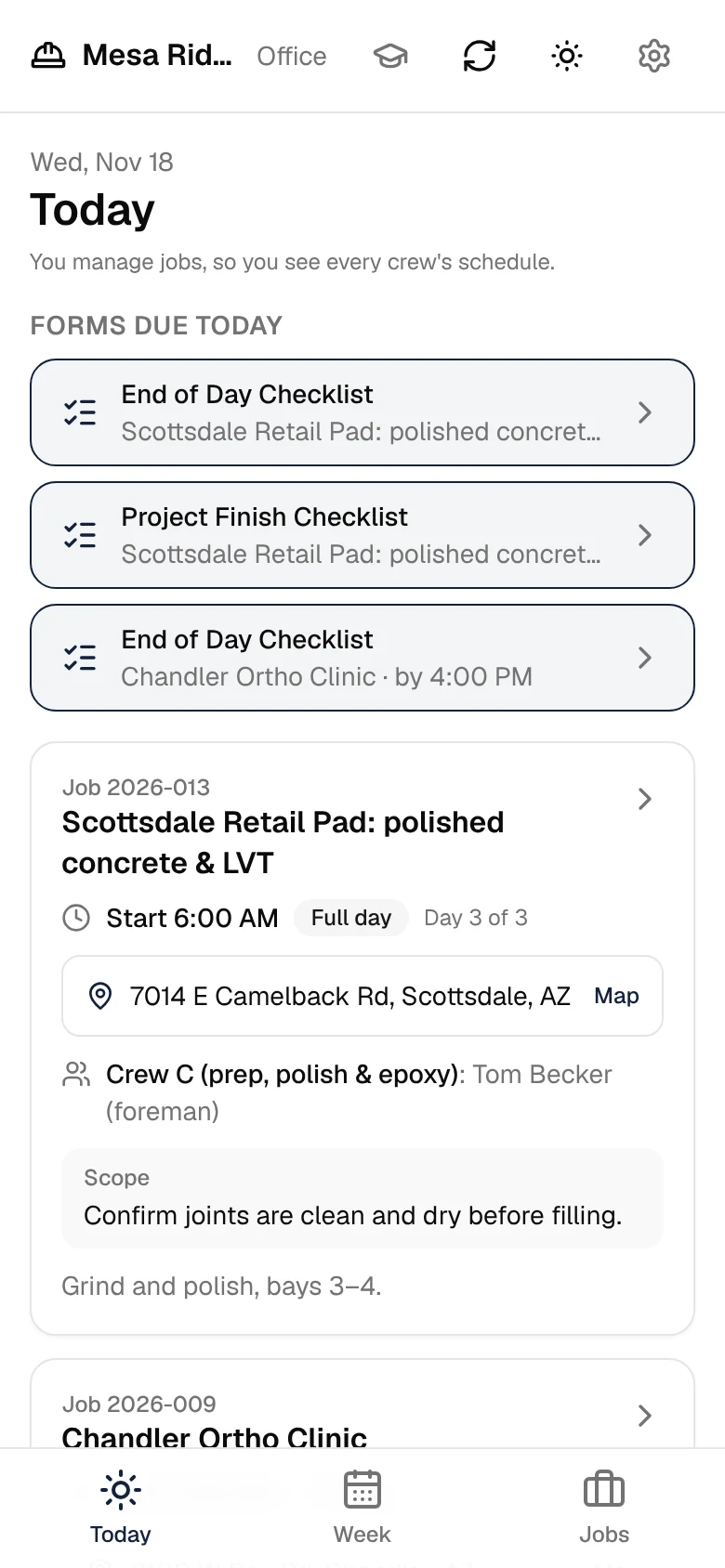
Progress from the people doing the work.
Foremen post progress, notes and photos from the field mobile app, right on the job.
- Progress by budget line
- Notes and photos
- Crew hours from QuickBooks Time
Purchase orders & receiving
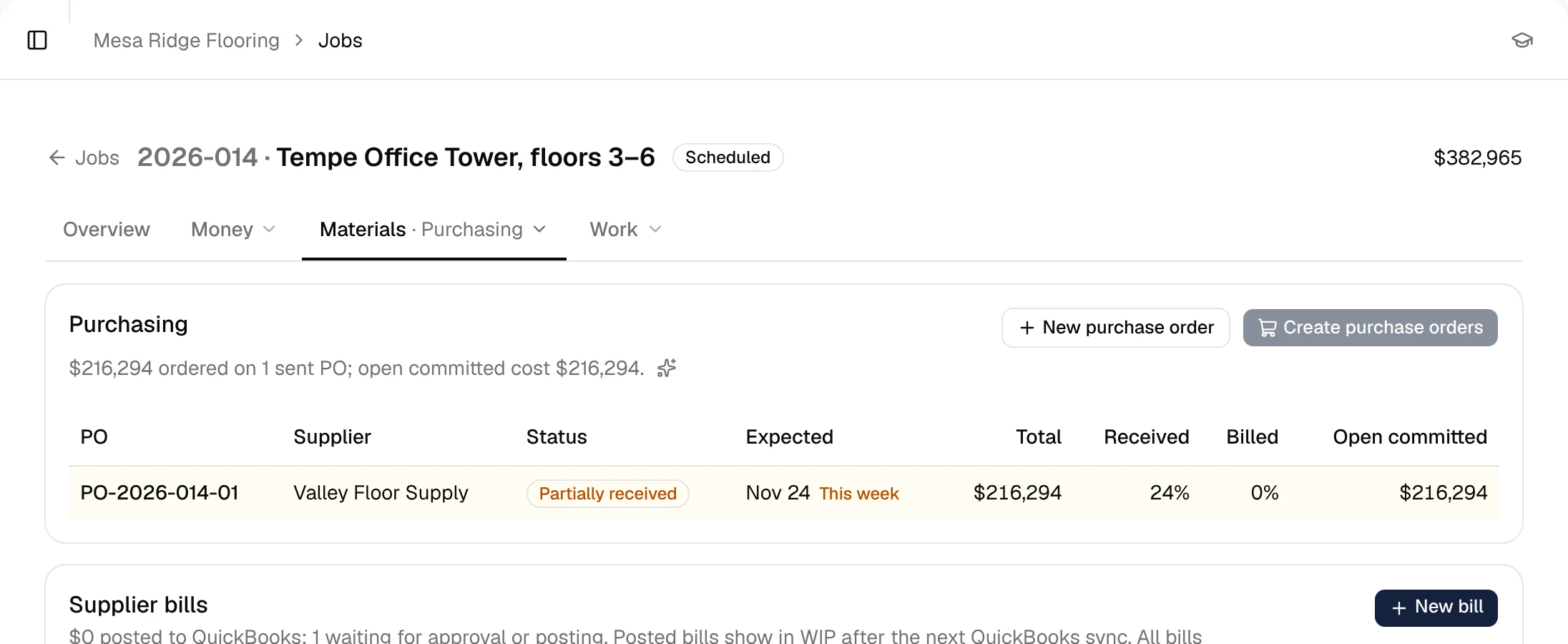
Material ordered against the job.
Create POs against the job budget and mark material received on site. Committed cost shows up before the supplier's bill.
- POs per job
- Receiving, including partial
- Committed cost on the job
Why it matters for your cash
Every number on this page feeds the other half of SubDesk. Budgets and field progress drive percent complete; percent complete drives WIP and billing; billing and costs drive the 13-week cash forecast.
See the cashQuestions
Does SubDesk write jobs to QuickBooks?
Yes, SubDesk writes job data back to QuickBooks Online so nobody keys it twice. We'll walk through exactly what's written on a demo.
Can I import my price book?
Yes. Bring your existing price list and we'll help you load it during setup.